A help center that updates itself
Ship a feature and the article explaining it is already written. Your AI agent answers every customer from it.
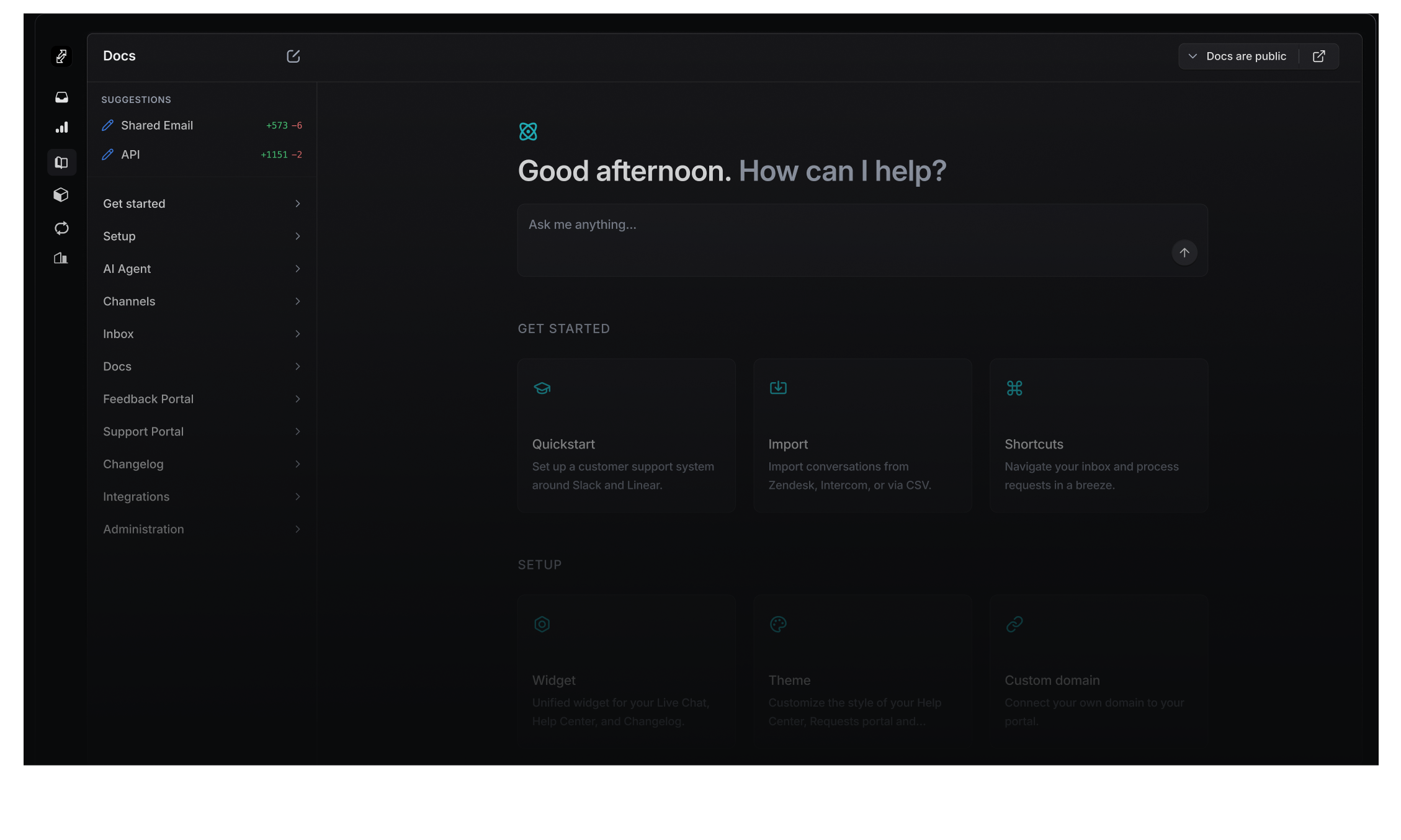
The source your agent answers from
Every reply quotes one of these pages and links back to it. A question with no article behind it reaches your team, with the draft already written.
See how the agent replies- 65.3%
- Of the agent's conversations end without your team
- 47
- Languages every article is served in, picked by browser
- 1 URL
- Imports the help center you publish today, as drafts
Sourced from GitHub, Linear, and support threads
Each draft arrives with the commit, the issue, or the thread behind it. You read the diff, then accept it or decline.

GitHub commits
Shipped code drafts a new article or updates an existing one.

Support threads
Solved questions become new help center entries or edits to existing ones.

Linear issues
Closed issues come with a draft article or a suggested edit, ready to review.
Review in two clicks
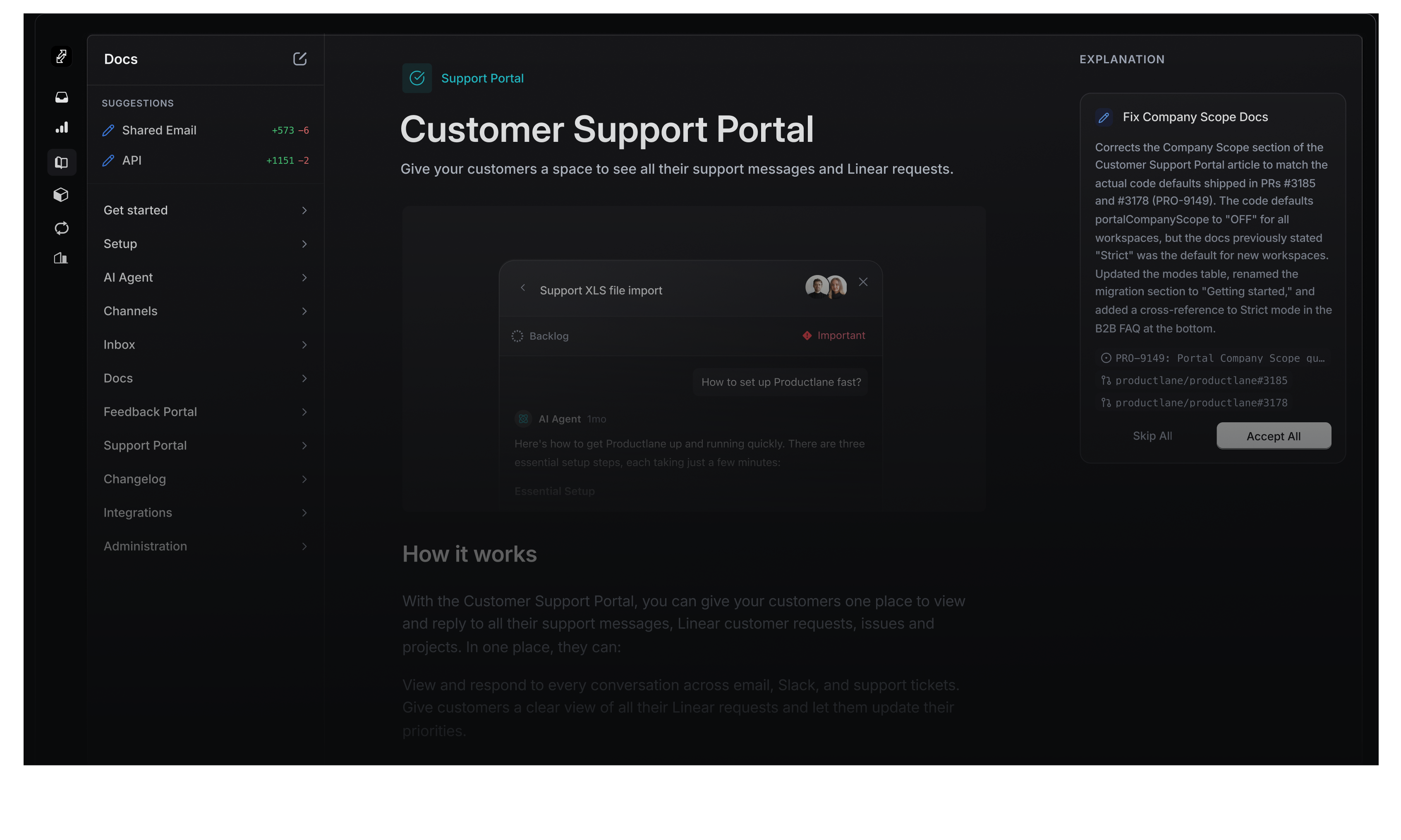
New drafts queue at the top of your help center navigation. Each one marks the words it changes, and version history keeps whatever it replaced.
One editor, three audiences
Every article carries a visibility, so a page written for the agent answers customers while it stays off your docs site.
Public
Lives on your docs site, open to every customer and indexed by search engines.
Agent
Only the AI agent reads it. Pricing rules and edge cases answer customers while staying off your public site.
Internal
Only the AI assistant your team uses reads it. Runbooks and escalation paths answer in the inbox.
Every page reads as markdown
Your docs domain serves llms.txt and llms-full.txt. Readers copy a page as markdown, or carry it into ChatGPT or Claude from the page itself.
- llms.txt and llms-full.txt
- An index and the full text, both served from your own docs domain.
- Copy as markdown
- One click puts the whole page on the clipboard, formatting intact.
- Open in ChatGPT or Claude
- A reader carries the page into the assistant they already work in.
Import the docs you already publish
Point Productlane at the help center you run today. Every page comes across as an article, with the images hosted here.
- 1
Paste the address of your help center
Productlane reads every page behind it, down through the sections you already built.
- 2
Articles arrive as drafts
Images come across to our storage, so nothing keeps pointing at your old tool.
- 3
Publish once they read right
From that moment the agent answers from them, and the sources keep them current.
Polished by default
Components your team can ship without a designer. Translations, formatting, and analytics handled.

Multilingual
Translated into 47 languages, served by browser language across help center, portal, and widget.
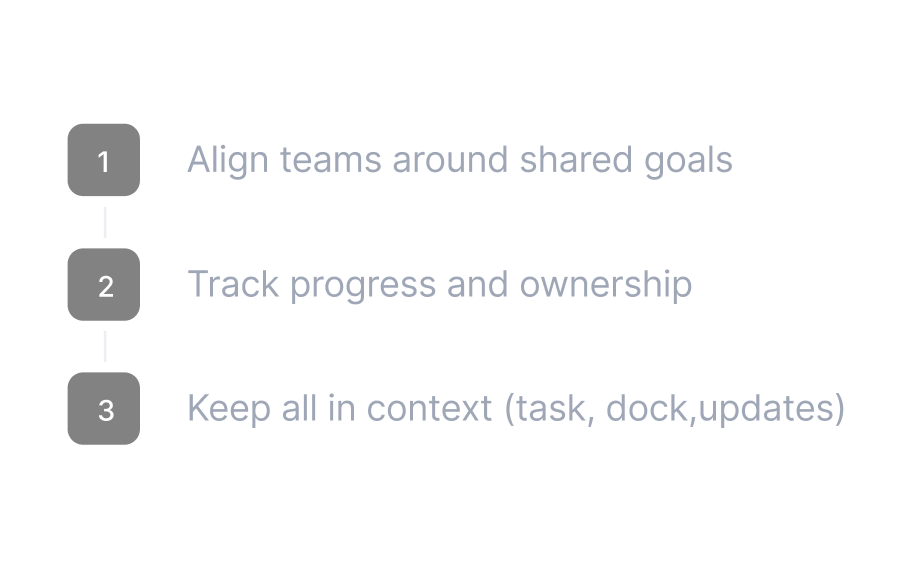
Numbered steps
Ordered lists render as labeled steps. Tables, code blocks, and embeds with one keystroke.

Analytics
Pipe page-view events to Google Analytics. See what gets read.
Embedded in your widget
Articles open inside the support widget. Reading happens without leaving the app.
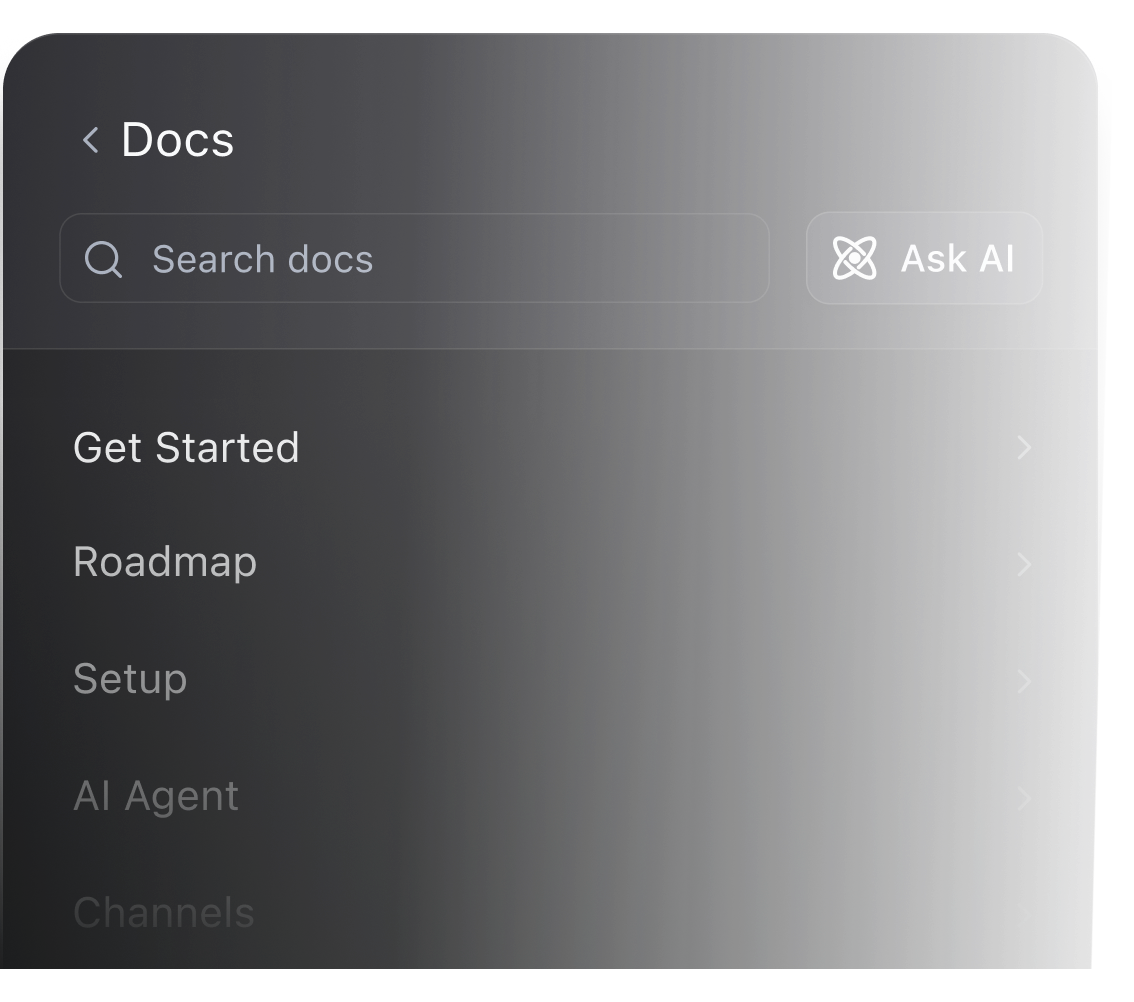
Ships without a design pass
Headings, tables, and media styled to use as-is.

Editor components
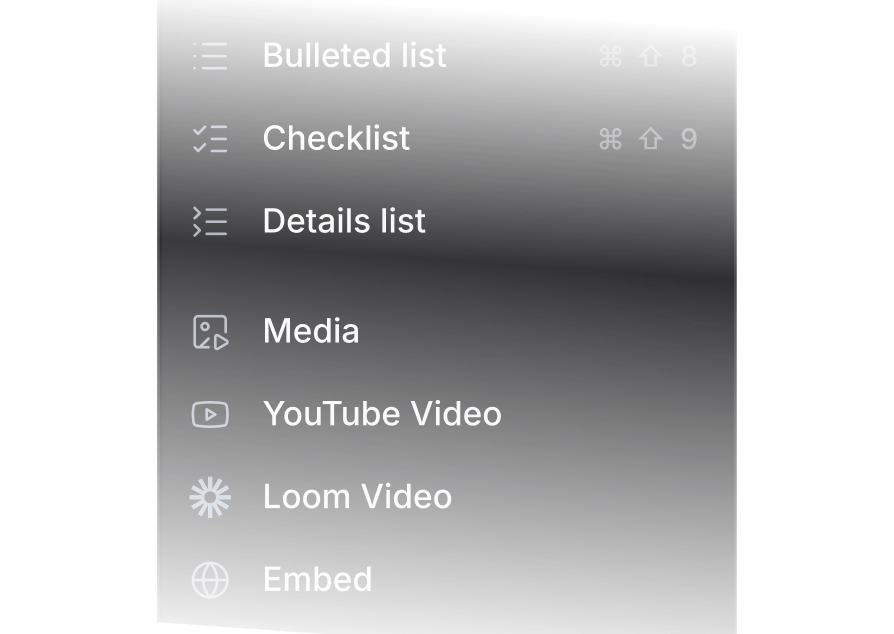
Quotes, callouts, images, videos, code blocks. Each one a keystroke.
High performing startups choose Productlane
 Design software
How Linearity scales support with AI
The Productlane Agent, trained on their product and billing, answers customers directly. The help center rebuilt and translated itself in minutes.
 Global mobility
How premote runs multi-channel support on Productlane
Four months after moving off a legacy helpdesk, support runs across Slack, Teams, and email, with the help center rebuilt in Productlane.
Ship a help center that writes itself
- Your published docs import from one address
- Every article served in 47 languages